Thirteen titles. All broken in Premiere — the night before delivery.
Anything that can't survive the trip is declared before converting.
A broken file is never written.
Diagnosis and first export free · macOS 14+ / Apple Silicon · Notarized by Apple
A 15-second spot with 13 title cards. Same project, same conditions.
| Item | XtoCC (leading converter) | Conform |
|---|---|---|
| Title text | Stray line breaks in all 13 | All 14 intact |
| Retimes | All 5 lost | All 5 preserved |
| Font size | ~11% too small | Corrected with measured factors |
| Untranslatable edits | Silently substituted | Declared before converting |
Measured August 2026. Full verification records are kept and available on request.
Three situations we keep seeing.
Edit in Final Cut Pro as always. When the agency or client wants a Premiere project, run it through Conform at the end.
You cut in FCP; the finisher works in Premiere. Hand over with your cuts and titles intact, in a project they can open.
Moving from FCP to Premiere? Diagnose your back catalog first — for free — and know what travels as-is and what needs hands.
Honesty is the fastest workflow.
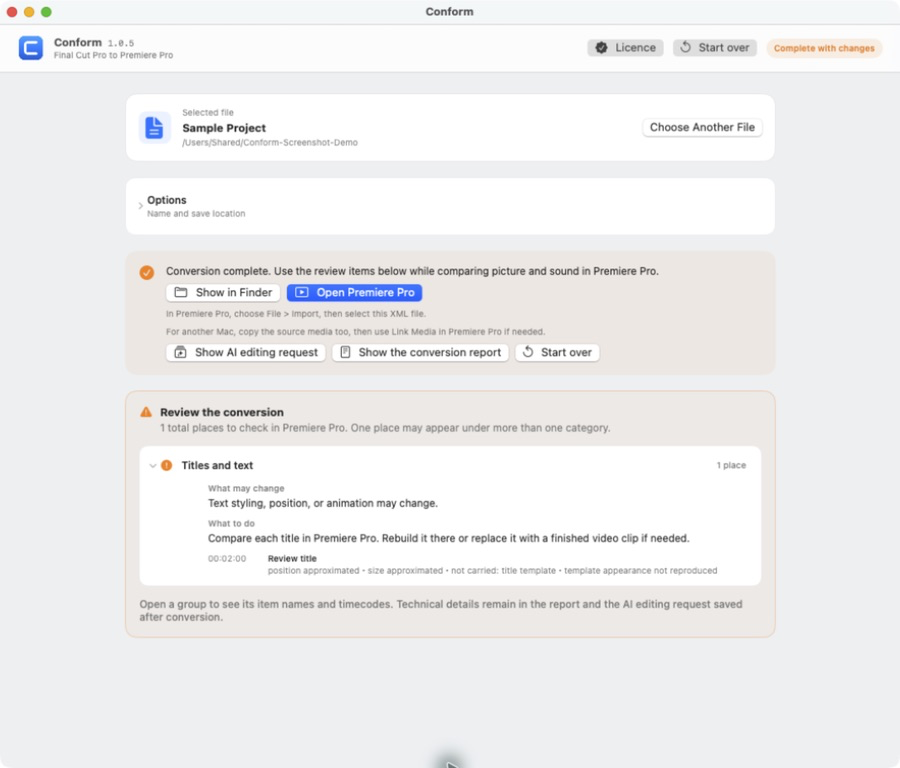
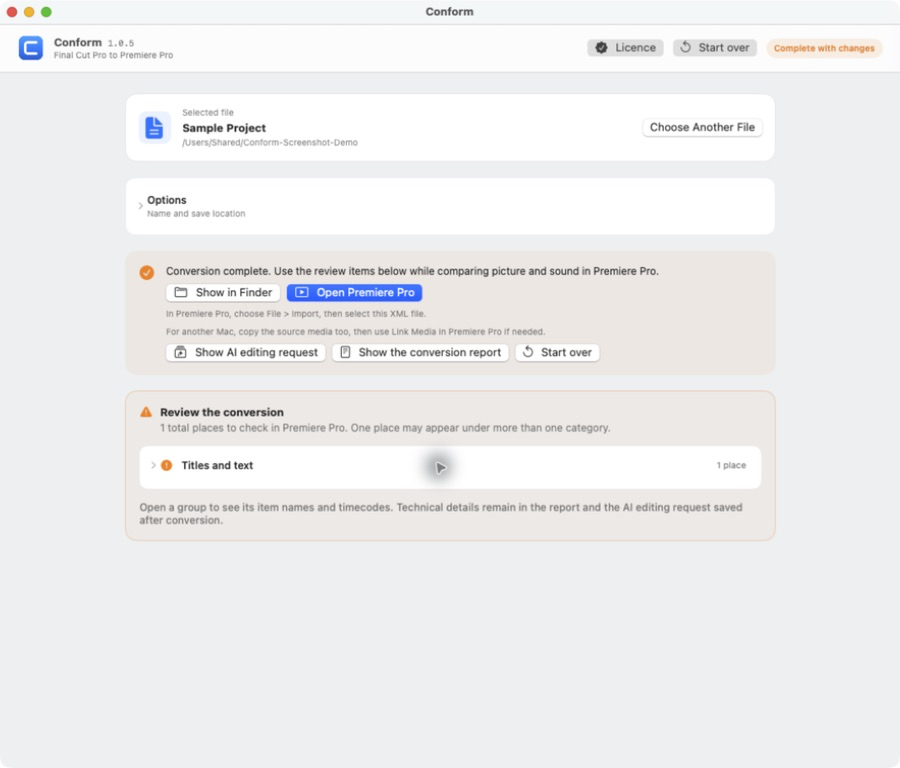
Everything affected is listed in plain language before conversion. You decide with your eyes open.
If an edit can't be reproduced faithfully, Conform refuses to emit the file. No surprises the night before delivery.
Your Final Cut Pro titles arrive in Premiere exactly as designed — 3D, shadows, tracking and all.
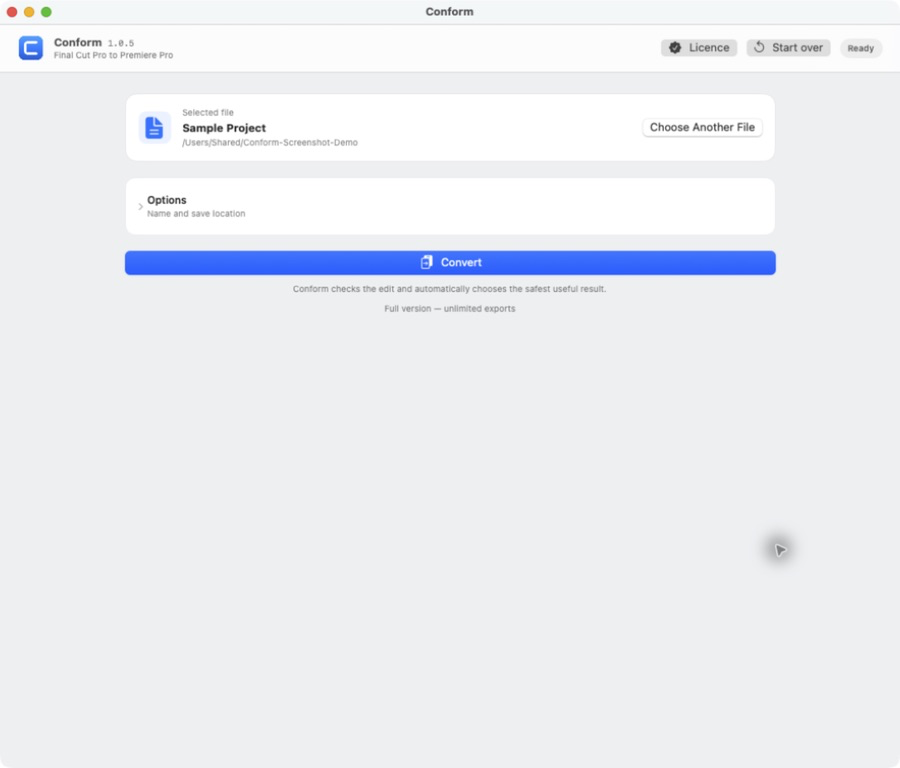
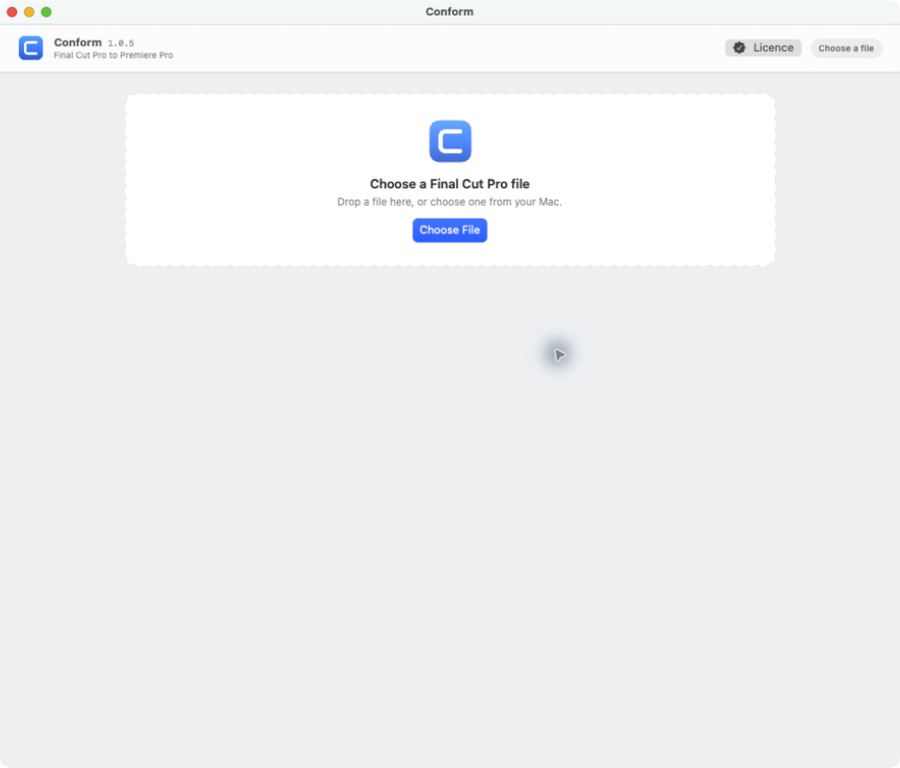
Drop the file → read the diagnosis → convert. That's all.
Buy the full version (US$79, card) →
Download the app (free)Notarized by Apple · ~1.4MB. Unzip and double-click to run.
Before using any result, compare picture and sound against your Final Cut Pro original in Premiere. Delivery decisions remain yours.
Studios & inquiries: seto@zuno.tv